version 1.0
Copyright © 2026 Hiroyasu Chiba. All rights reserved.
"Sushi-eating sis" is a very simple game.
The 3D character performs backflips to eat sushi flowing in from behind.
There are stages 1 to 3, and the level of difficulty increases as the stage progresses.
<Acquisition and use of user information>
This application does not acquire and use user information.
<Provision of user information to a third party>
This application does not provide the personal information of the user to a third party.
★If you have any comments or questions, please send this email.
tibahiroyasu@bg.wakwak.com
■■ Starting screen ■■
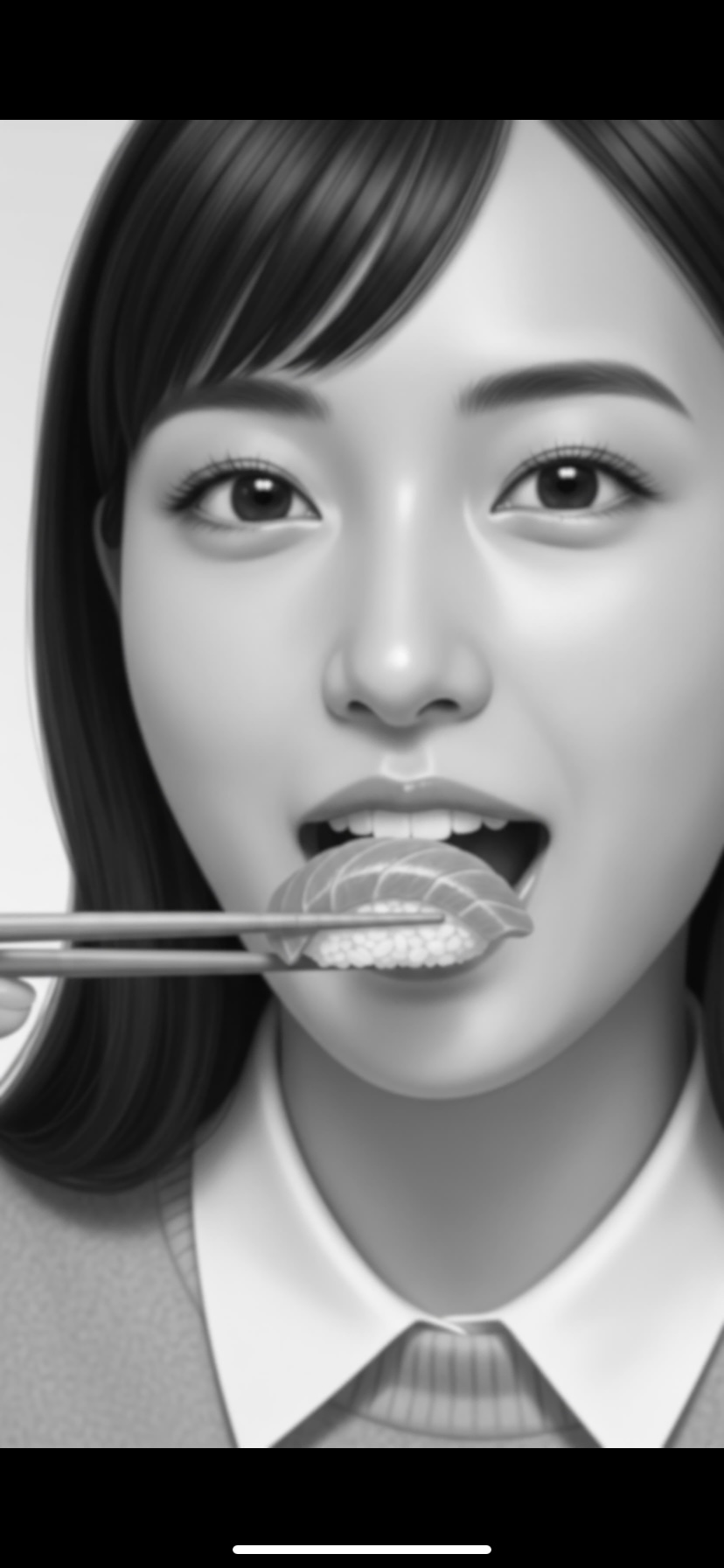
[ Figure 1. Starting screen ]
While the app is starting, the screen shown in Figure 1 will appear.
This is displayed when you start the app for the first time or when you start the app again after quitting the app.
When you first launch the app, devices with lower processing power may be displayed for a few minutes.
When you start the app again after quitting the app, it will be displayed for a few seconds.
Recommended models are iPhone XR or higher and iPad 8th generation or higher.
■■ Play screen ■■
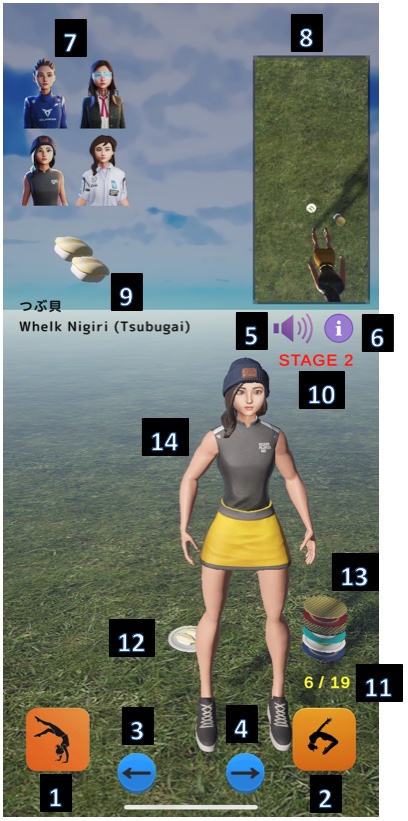
[ Figure 2. play screen ]
<< Function and meaning of each part >>
1. Backflip A Button : The 3D character being played performs Backflip A.
2. Backflip B Button : The 3D character being played performs Backflip B.
3. Move Left Button : Moves the 3D character being played to the left.
4. Move Right Button : Moves the 3D character being played to the right.
5. Speaker Button : Toggles sound effects on or off.
6. Info Button : Displays the information screen about this app.
7. 3D Character Select Button : Selects the 3D character you want to play. This can also be used during gameplay.
8. Sub Camera View : This is a sub camera screen that shows the positional relationship between sushi and 3D characters from above.
9. Sushi Menu : Introducing the flowing sushi.
10.Stage being played
11.Counter : The denominator is the number of sushi that have passed; the numerator is the number of sushi eaten.
12.Flowing Sushi
13.Empty Plates : This is a plate with sushi eaten by a 3D character.
14.3D character being played
<< Tips on how to play >>
Perform backflips at the right timing by checking the distance to the sushi using the sub camera so that the sushi makes contact with the 3D character’s face.
In STAGE 3, the sushi flows from shifted horizontal positions, so move the 3D character left or right to match the sushi’s trajectory.
"Backflip B button" is more difficult than "Backflip A button". Once you get used to the "backflip A button", try the "backflip B button".
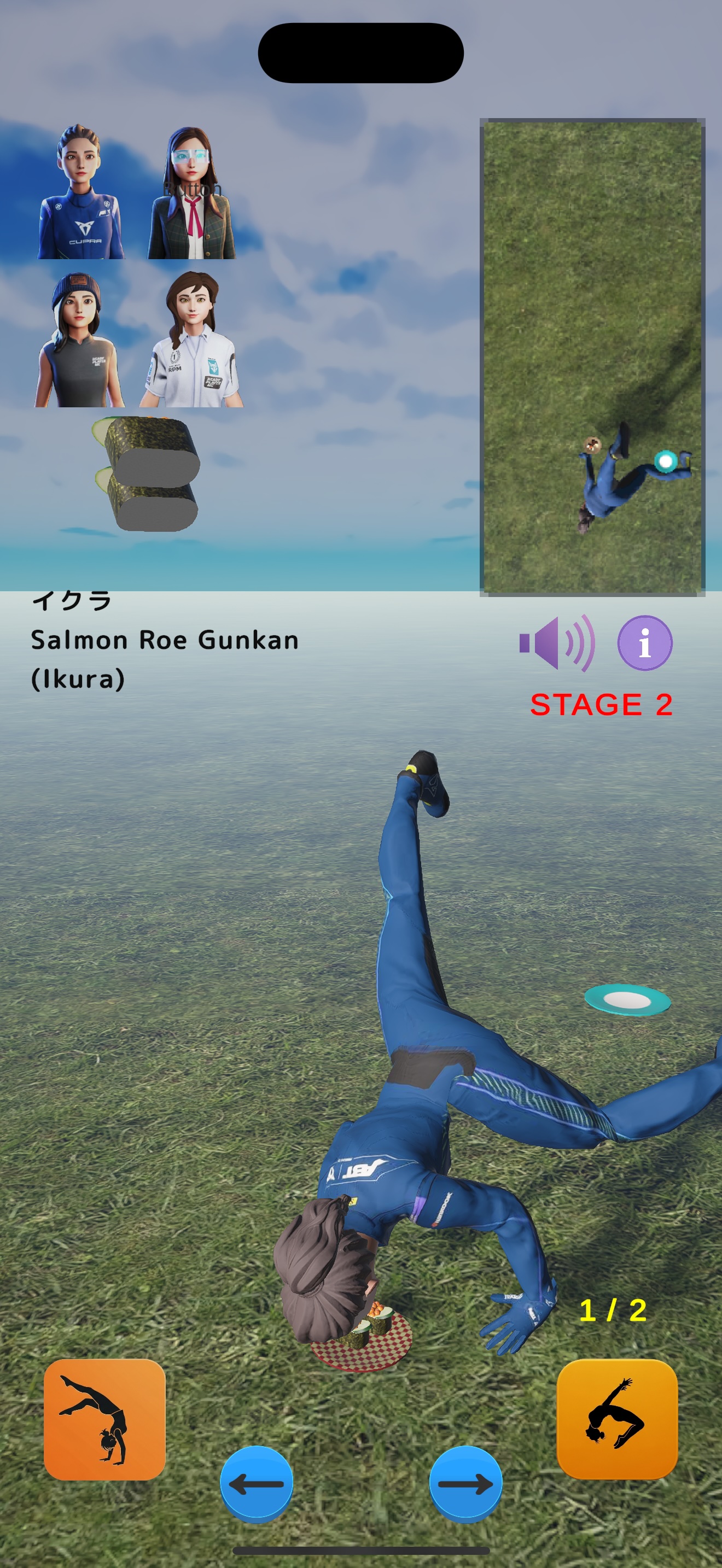
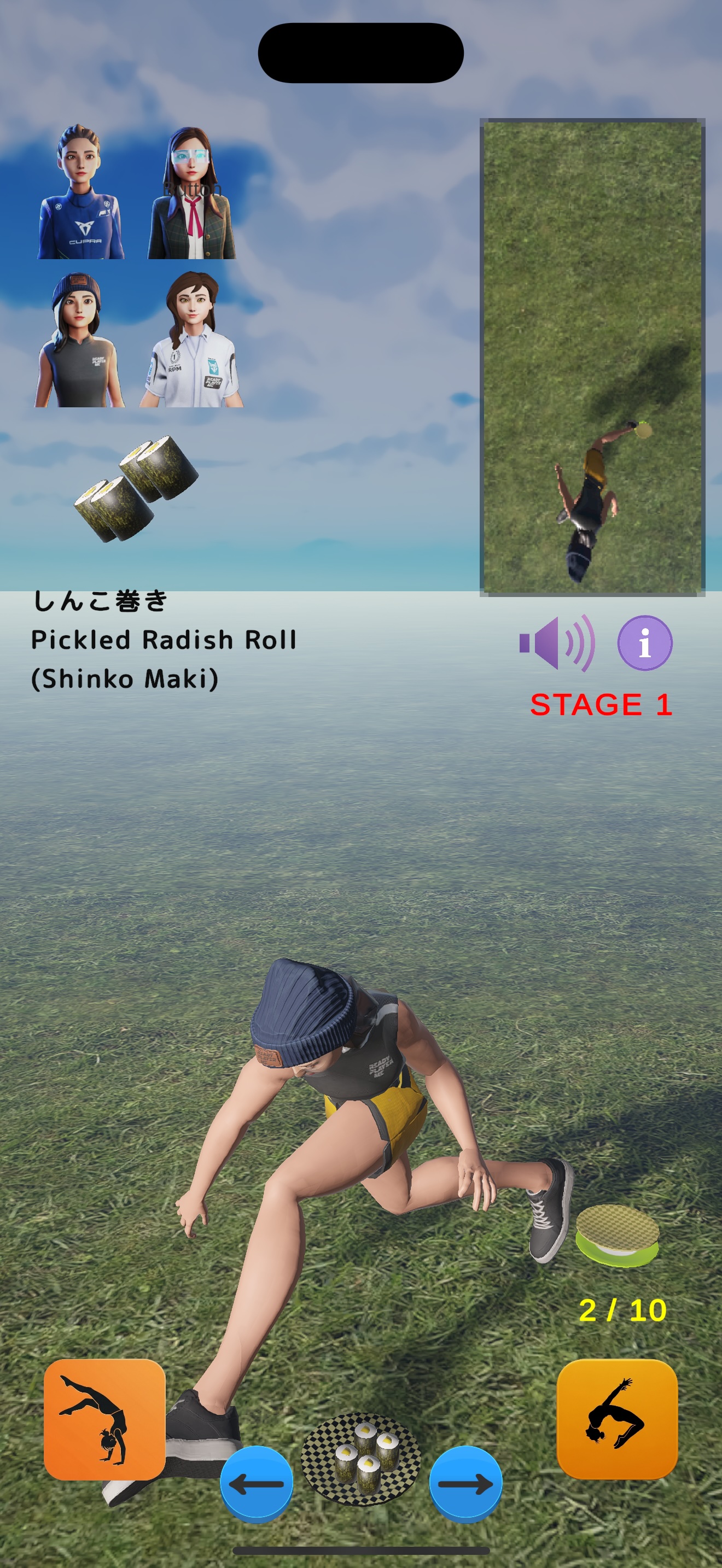
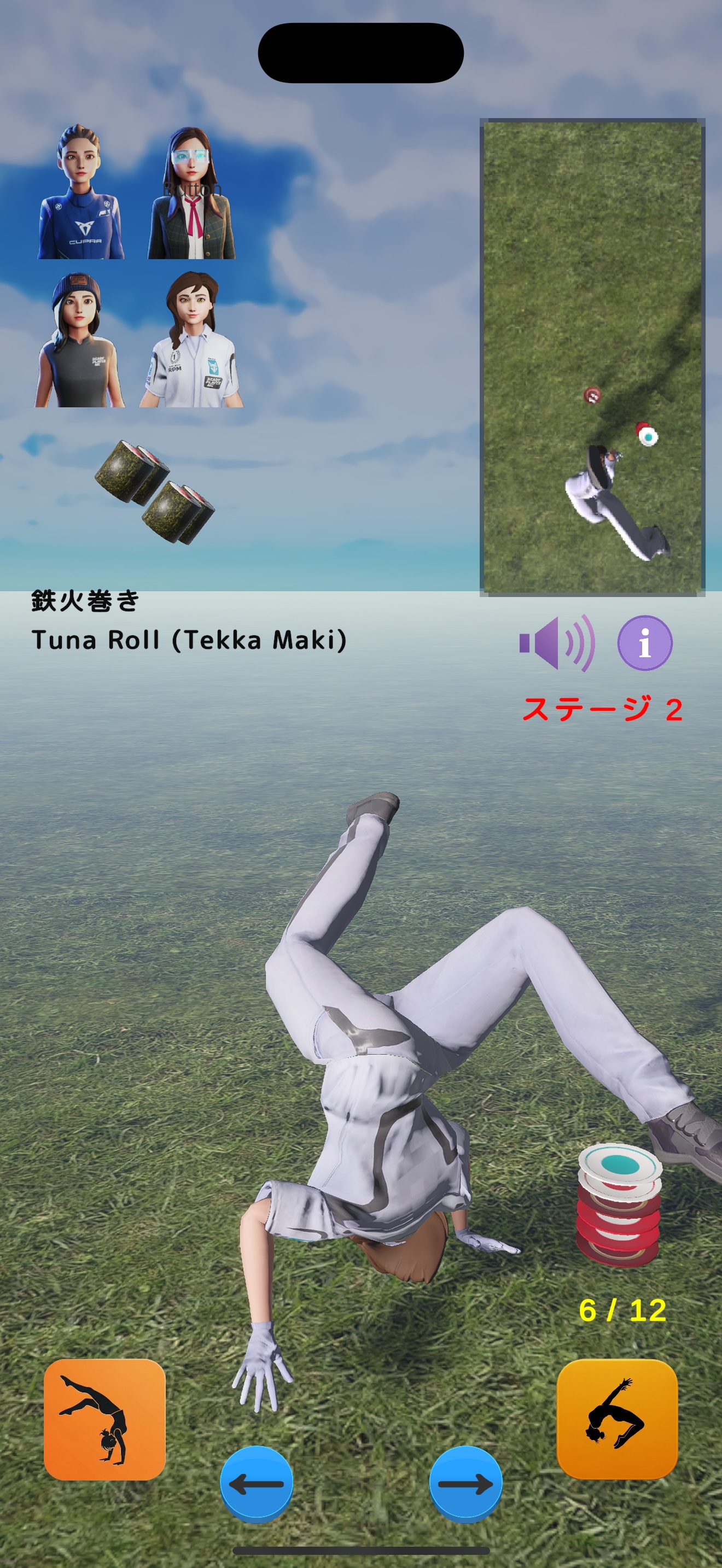
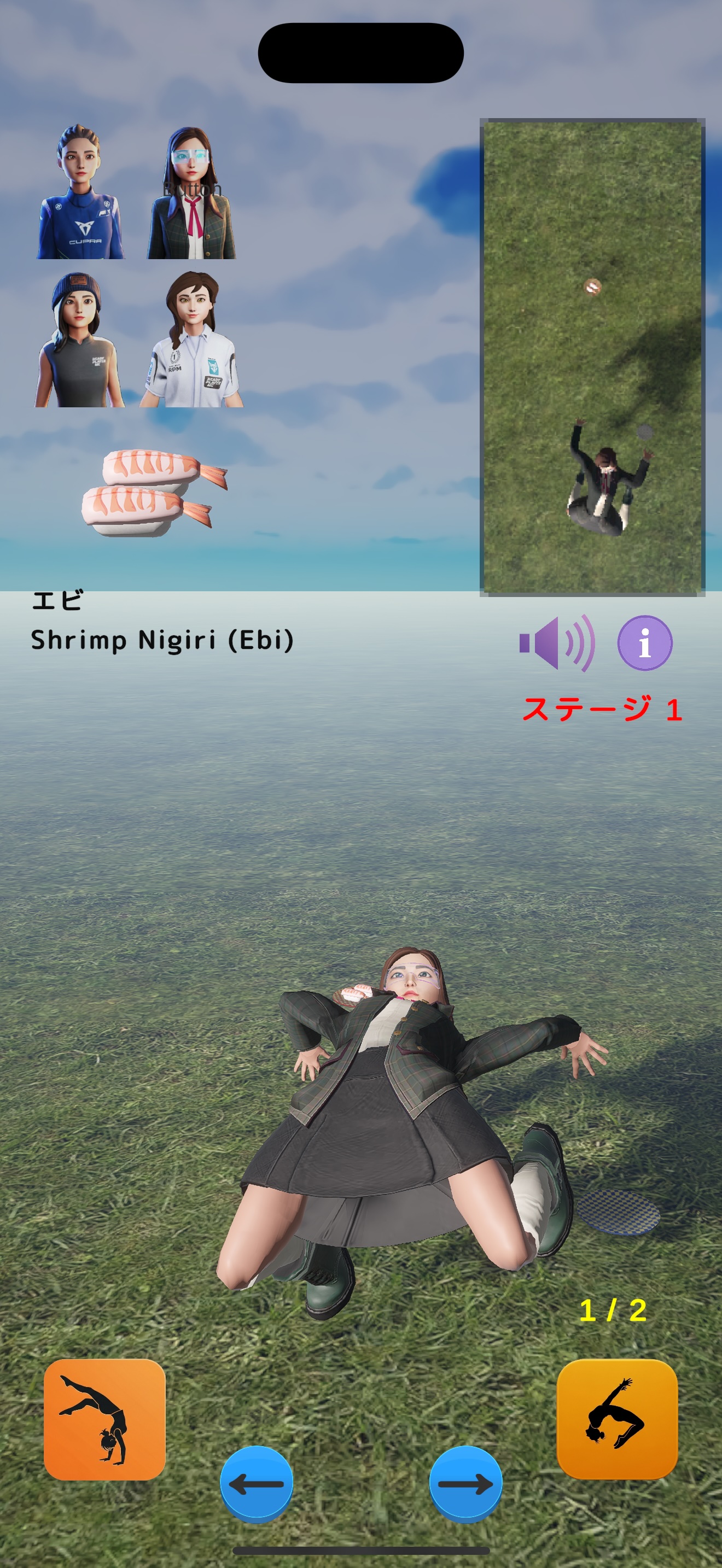
<< Example screen while playing a game >>
■■ stage clear screen ■■
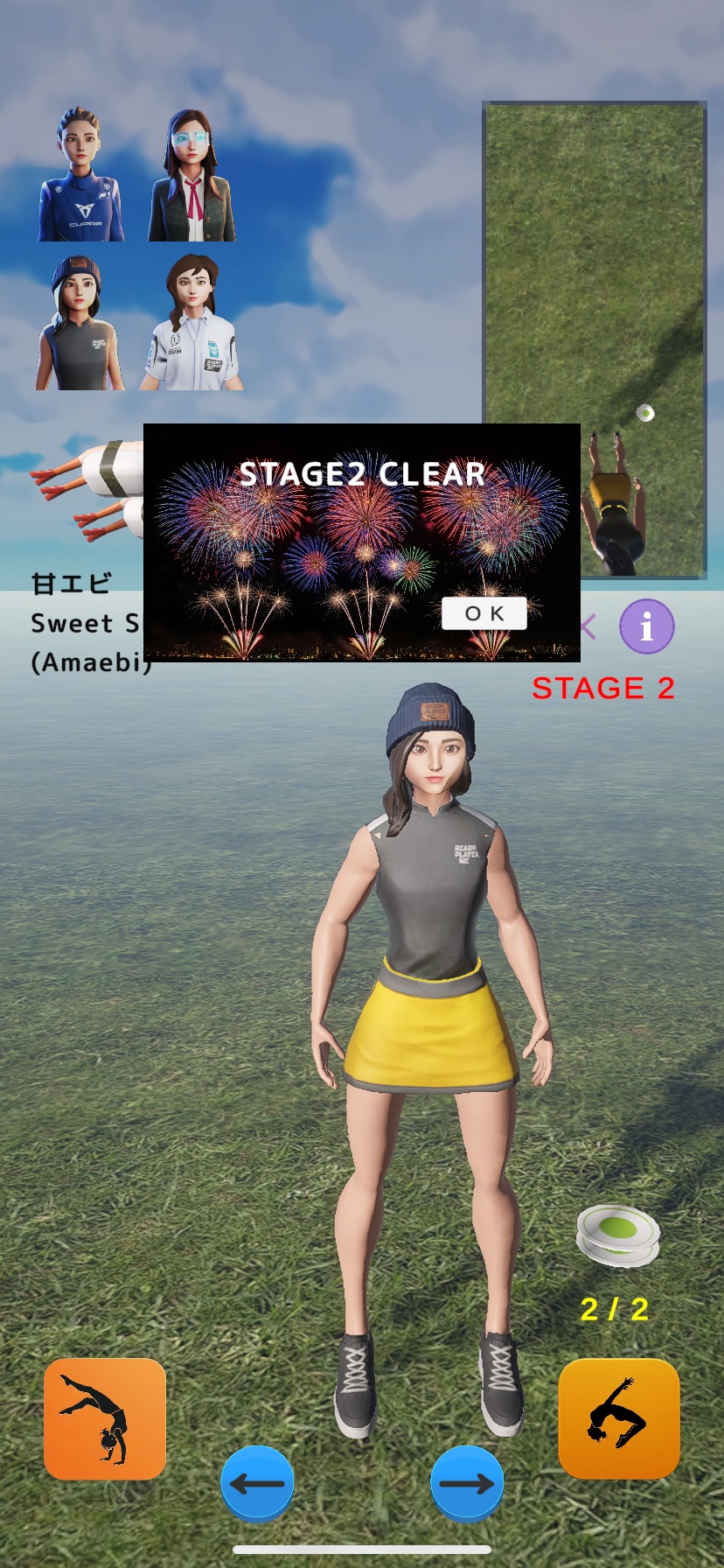
[ Figure 3. stage clear screen ]
Figure 3 is the screen that appears when you clear the stage.
<< Explanation of stage >>
-- STAGE 1 --
Up to 10 plates of sushi will flow in from behind the 3D character. Eat 7 plates to clear the stage and advance to STAGE 2.
-- STAGE 2 --
Up to 20 plates of sushi will flow in from behind the 3D character. Eat 14 plates to clear the stage and advance to STAGE 3.
-- STAGE 3 --
Up to 30 plates of sushi will flow in from behind the 3D character, and the sushi’s horizontal starting position will vary randomly.
Eat 21 plates to clear the game and return to STAGE 1.
■■ game over screen ■■
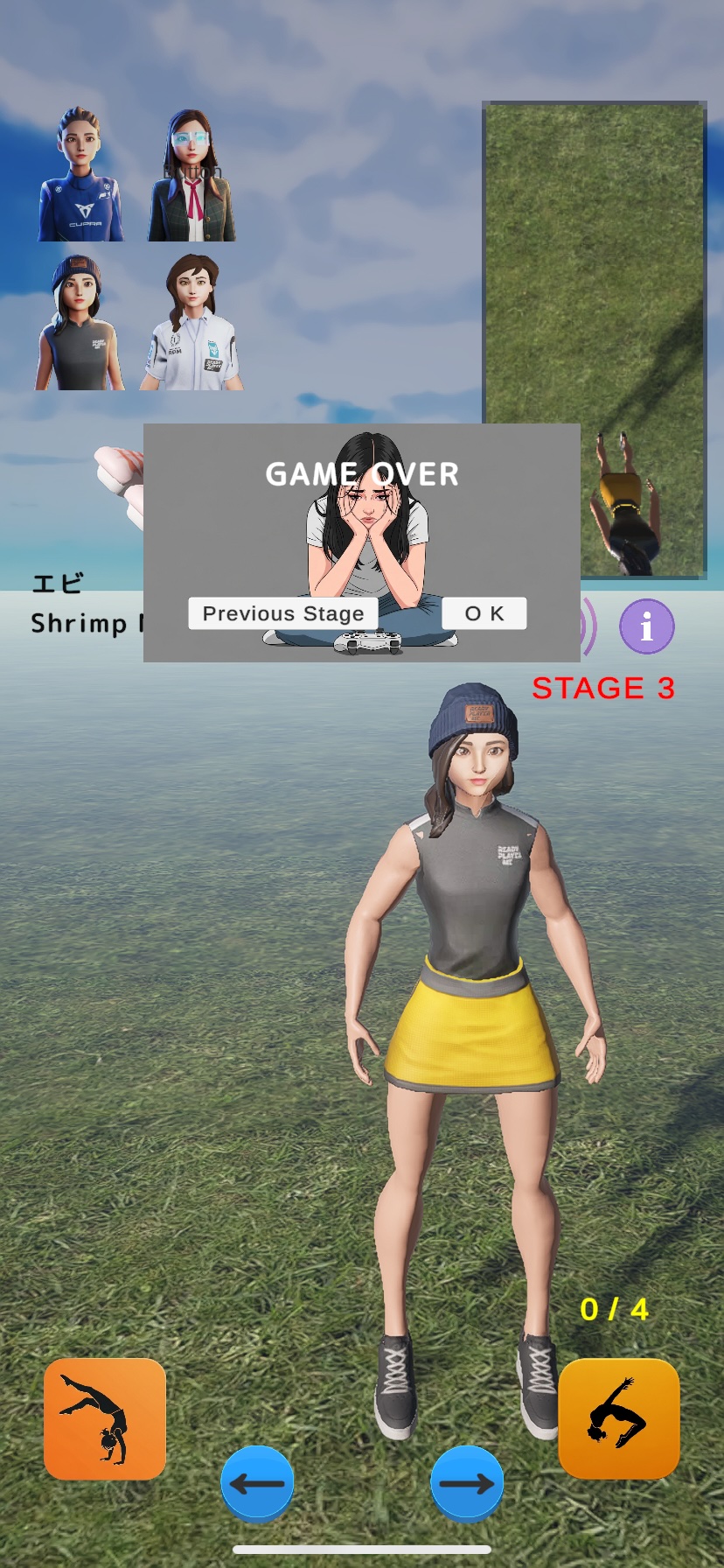
[ Figure 4. game over screen ]
Figure 4 is the screen that appears when you are unable to clear the stage.
You can choose to stay on the same stage or go back to the previous stage.
■■ End ■■